🚀 Overview
What is AI@CDS?
AI@CDS is a cloud application built by 4IT Services that transforms the way business and BI teams interact with SAP S/4HANA data. Instead of manually navigating hundreds of CDS views, users can explore data models visually and ask questions in plain language — getting instant, context-aware answers directly from the data model.
The application combines three core capabilities:
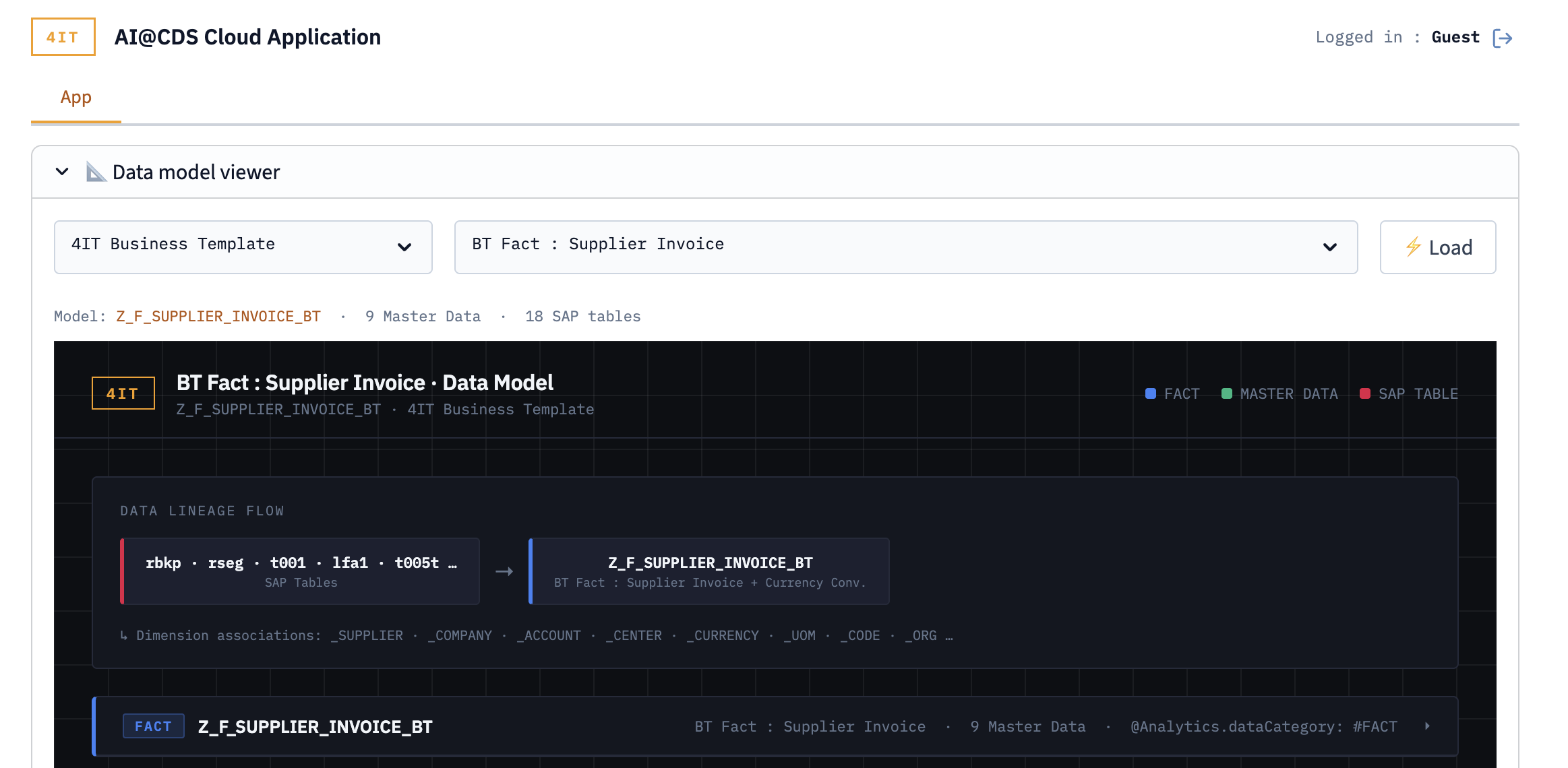
- Data Model Viewer — an interactive, graphical representation of CDS views and their relationships, with full data lineage navigation
- Master Data Viewer — browse and inspect master data entities linked to any CDS view
- AI Chat — a conversational interface that understands SAP data structures and answers questions about any view, field, or business object
AI@CDS is designed for business analysts, BI developers, and data architects who need to understand SAP data models quickly — without requiring deep technical SAP knowledge.
Try the Public Demo
A live demo of AI@CDS is publicly accessible at:
https://ai-cds.4it-services.com/
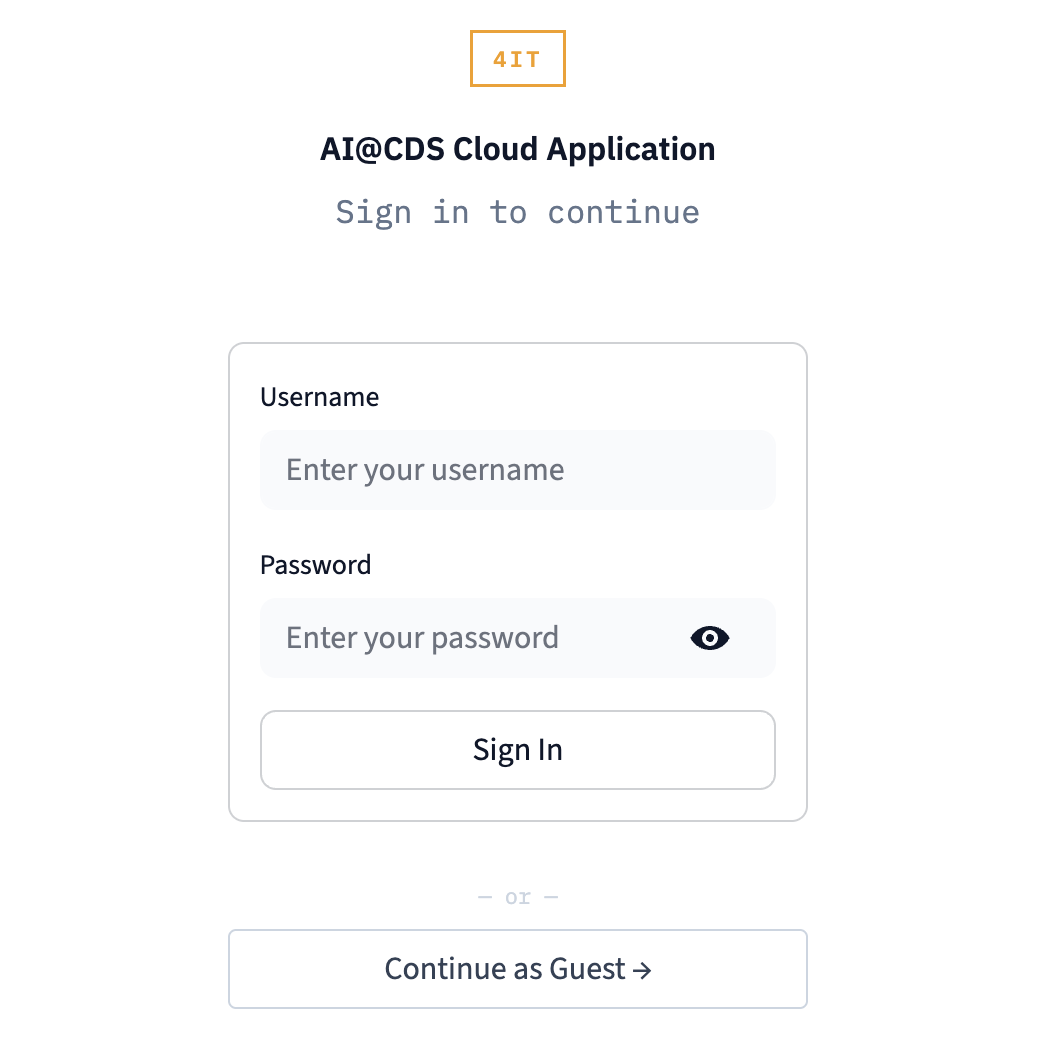
No account is required. On the login screen, select Continue as Guest to access the demo environment.
Displaying a Data Model in the Demo
Once logged in as a guest, the Data Model Viewer opens automatically on the App tab.
To display a CDS view:
- In the left-hand panel, browse or search for a CDS view by name
- Click on a view to load it into the diagram canvas
- The viewer renders the selected view with all its associated CDS associations and field-level details
- Click on any block or arrow in the diagram to navigate to a related view or inspect its data lineage
The screenshot below shows an example of a CDS view loaded in the demo: